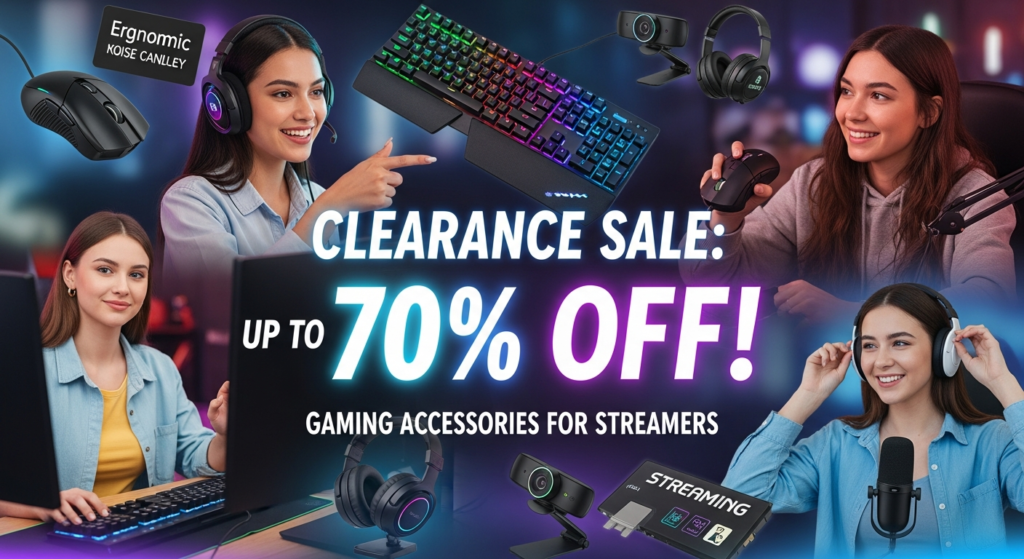
Streaming has become one of the most popular ways to connect with audiences while sharing gaming skills. Whether you’re just starting or looking to upgrade your setup, the right gaming accessories can make a huge difference in performance, comfort, and viewer experience. From audio gear to visual enhancements, every detail counts when building a professional-looking stream.
1. High-Quality Headsets
Audio is key for both communication and immersion. A gaming headset with clear sound and noise-cancellation helps you hear in-game cues and communicate with teammates without background distractions. Look for headsets with adjustable microphones and comfortable ear cushions for long streaming sessions.
2. Professional Microphones
While headsets are convenient, a dedicated microphone can elevate your stream’s audio quality. USB or XLR microphones offer crisp, clear sound, reducing background noise and giving your voice a professional touch. Pair it with a pop filter or foam cover to minimize harsh sounds.
3. Stream-Optimized Keyboards and Mice
Mechanical keyboards provide precise, responsive keypresses that are perfect for fast-paced games. Combine them with a high-DPI gaming mouse for accurate movements and customizable buttons for quick in-game actions. RGB lighting isn’t just aesthetic—it can sync with games for added immersion.
4. Capture Cards
For console streamers, a capture card is essential. It allows gameplay to be transmitted from your console to your PC, ensuring smooth streaming without lag. Popular models support high resolutions and frame rates, giving viewers a high-quality viewing experience.
5. Webcams and Lighting
A clear webcam feed is critical for connecting with your audience. Pair a 1080p or 4K webcam with adjustable lighting, such as ring lights or LED panels, to ensure your face is well-lit. Good lighting eliminates shadows and creates a professional-looking stream environment.
6. Stream Decks and Controllers
Stream decks allow quick access to commands, overlays, and scene changes. With customizable buttons, you can switch scenes, trigger alerts, or play sounds effortlessly. Controllers, whether for console or PC, enhance gameplay ergonomics and provide better control.
7. Comfortable Seating and Desk Setup
Long streams require comfort. Ergonomic chairs and adjustable desks reduce strain on your back, neck, and wrists. Position monitors and peripherals for optimal viewing angles to maintain focus and energy throughout your streaming sessions.
8. Green Screens and Background Enhancements
Green screens help overlay your webcam feed onto game footage cleanly, removing distractions from your background. Combined with visually appealing room décor or LED lights, this creates a more immersive experience for viewers.
Final Thoughts
Choosing the right gaming accessories for streaming is about enhancing performance, comfort, and viewer engagement. While some gear may be optional, investing in quality microphones, headsets, webcams, and ergonomic setups can take your stream from basic to professional. With the right tools, you can focus on entertaining your audience and building your streaming community.